Portable Coffee Makers: A Hiker’s Review

As well as hiking, my other big addiction is coffee. I definitely can’t start my day without a brew (or two!) and there is nothing quite like having a coffee break in the middle of a hike surrounded by the beauty of nature. I’m clearly not alone, as there are plenty of products available for lovers of coffee al fresco, and now you can even freshly brew a cup on the go. Espresso Explorer offer two different types of portable coffee maker; wired and wireless.

Full disclosure: I am an affiliate for Espresso Explorer, and I will make a small commission if you decide to make a purchase through the links on this blog. I have not been paid for this review or asked to write it by Espresso Explorer, and this is fully my own opinion through using both these coffee makers which I was kindly gifted. Both have been tested with ground coffee only.

The Statistics
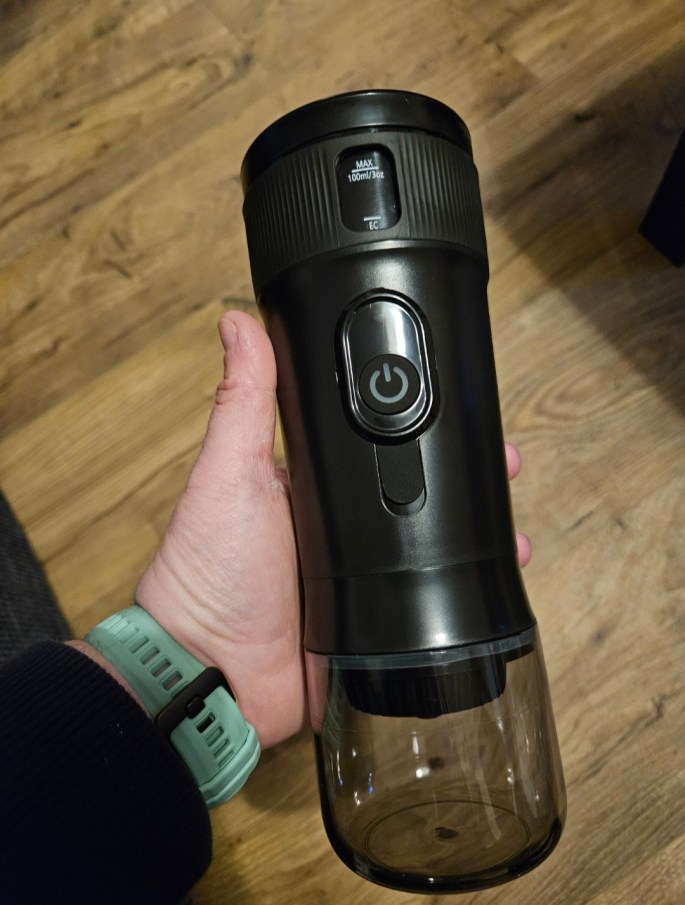
Portable Coffee Maker
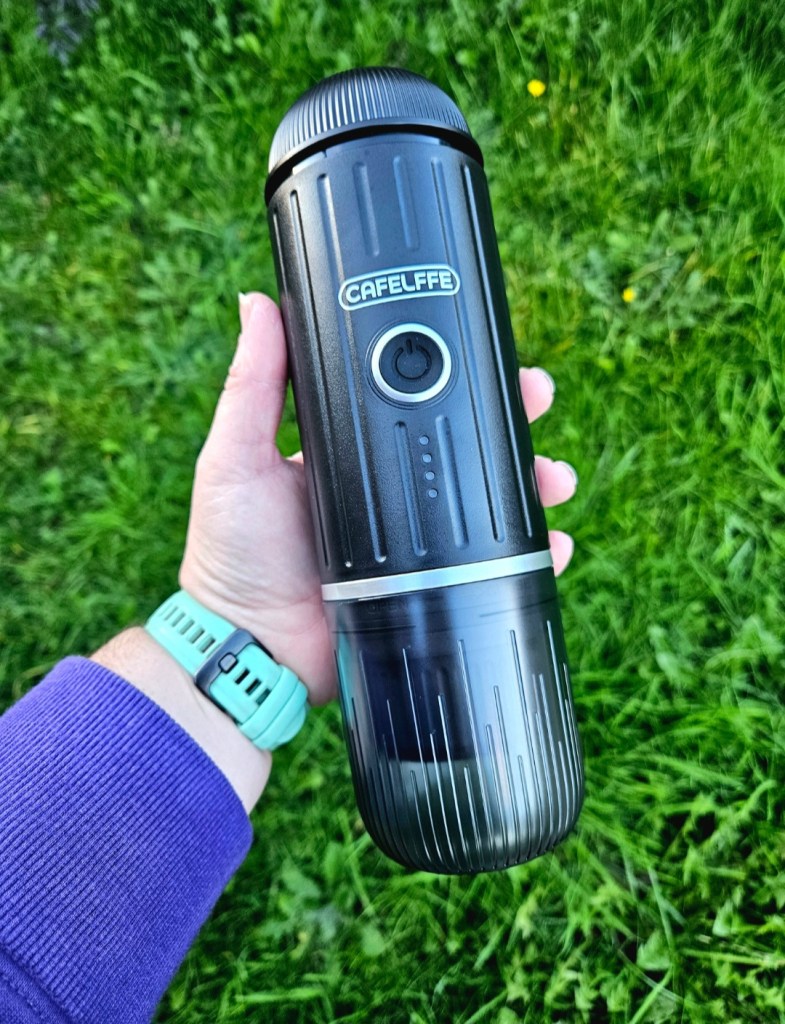
Wireless Coffee Maker

Portable Espresso MakerWireless Espresso Maker
Price £59.99£74.99
PowerUSB or Car Power OutletWireless Battery (USB C-Type Charging)
Weight700g800g

Both models will work with coffee pods (Nespresso shape) or ground coffee, and both come with a fabric storage bag, all necessary cables and accessories.

Portable Coffee Maker

The cheaper option of the two, the Portable Coffee Maker must be plugged into a power source to operate. The website claims that it weighs 700g, but it feels incredibly lightweight and I certainly didn’t notice any added weight when carrying it in a backpack. It brews coffee well, especially with freshly heated water, and once the water is hot the brewing process takes seconds.
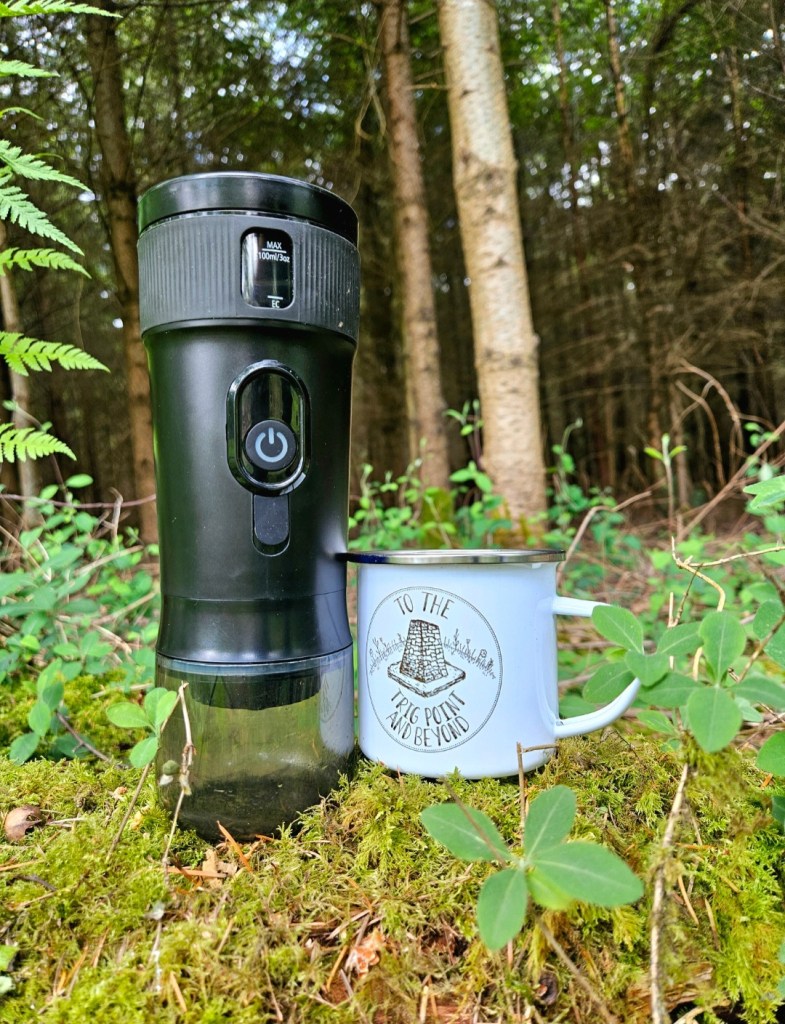
The main drawback of this model for hikers is that although it will make coffee through the USB of a powerpack comfortably, it is only through the car power outlet that it will heat water itself. Its maximum capacity is 100ml, so I usually take a small amount of hot water in my smallest insulated bottle. Added together, I find it pretty comparable to the weight of a large flask of pre-made coffee, with the added bonus of being fresh quality, but it is understandable that this might put some hikers off. It is great in the summer though as it will make a cold espresso, the strength of the brew is just lessened due to the cool temperature of the water.

Where this product really shines is for camping and road trips. It will take a few minutes to heat up the water through a car outlet, or you can use hot water from a camping stove. This unit has saved me from going without my morning coffee a few times now. I stayed at a hotel in the Netherland that didn’t have coffee, but I was able to whip up a brew in no time with this. When I went camping it also gave me the perfect fresh strong espresso hit the morning after waking up on only a few hours sleep. Lifesaver.

Wireless coffee maker

The Wireless Coffee Maker really improves on the portability as it can heat water for around 4 espressos when fully charged. Espresso Explorer claims it takes around 2 hours to charge completely, and both of these figures seem accurate from my testing. The website also states that it weighs 800g, and it definitely feels heavier than the other option.
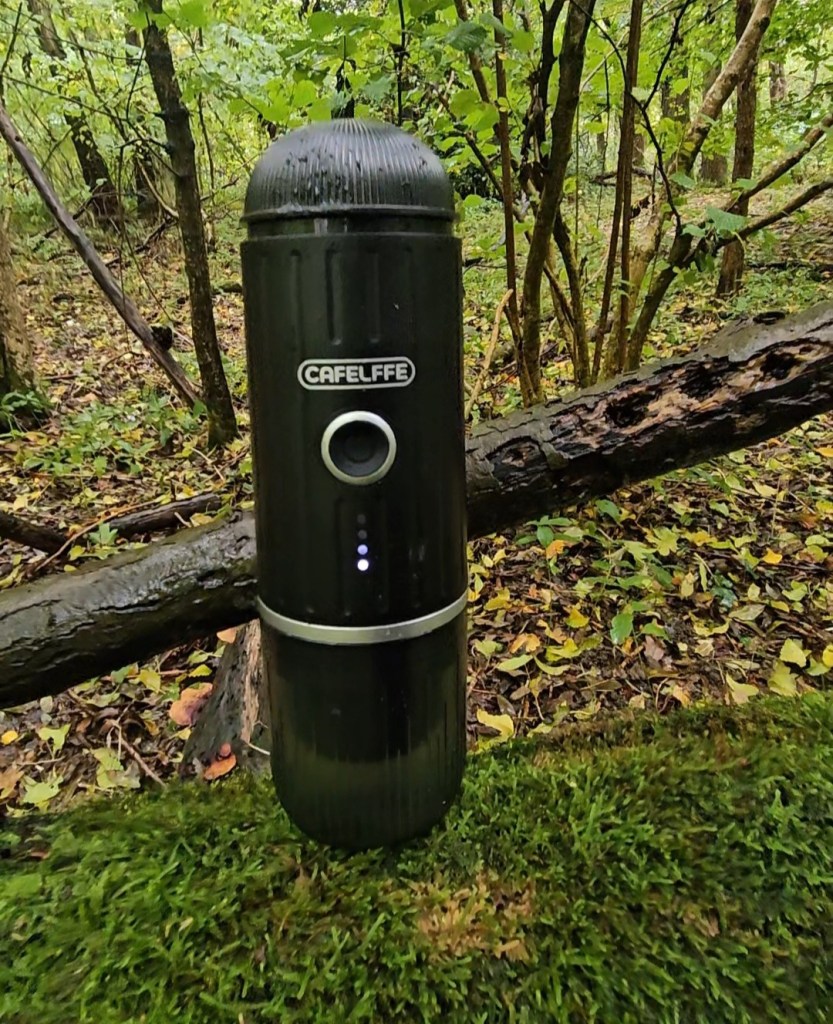
Other than the weight, the only other minor downside with this is that heating the water does take a few minutes so on a group hike you’re probably best bringing a flask to share (or make everyone else envious of your fresh coffee!) otherwise there might be a waiting time for everyone to have a cup. The brewing time itself is just as quick as the other coffee maker, it has a great draw and makes an espresso with a lovely crema that is so welcome mid-hike. Overall, there is very little negative to say about this product from a hiker’s perspective.

price

You’ll notice that I haven’t discussed the cost of either of these coffee makers in this review. As they were kindly gifted to me, I didn’t think that it was fair for me to discuss the pricing compared to the product. However, I will say that they appear to be competitively priced as cheaper coffee makers I’ve seen online don’t seem to have any kind of self-heating capability. I have also seen more expensive wireless options online. Espresso Explorer do occasionally run sales, or you can snag a discount if you choose to use my affiliate link.

Final Thoughts

I can imagine these being the perfect gift for any lover of the outdoors who also loves coffee; a touch of luxury for outdoor living. From the camper who lives for gadgets, to the van-lifer who needs something compact to fit their lifestyle, and the hiker who craves the kick from quality caffeine. If you’re looking to purchase one of these, I would definitely recommend that campers, van-lifers and roadtrippers opt for the Portable Coffee Maker. Hikers who want a brew with a view should go for the Wireless Coffee Maker.

I’ve absolutely loved using both of these products, and the Wireless Coffee Maker is now a staple of my hiking kit. I have also considered taking it to work; the thought of making an espresso from my desk is quite appealing, but I’ll take a fresh brewed coffee outdoors over that anytime!
The HoverAir x1: A Hiker’s Review

So many people on Instagram asked me to fully review this drone, so this is my take on it based on around 8 outings in a range of locations and environments. Needless to say, I’ve put it through its paces to get a full picture of its capabilities as best as I can!

Full disclosure: This review is not affiliated with Zero Zero Robotics and is completely my own opinion based on my experience of using this unit. I brought this drone second-hand from EBay, which voids the warranty. Zero Zero Robotics is currently testing an updated and improved version of this drone (Hover Air x1 Pro) at the time of writing.

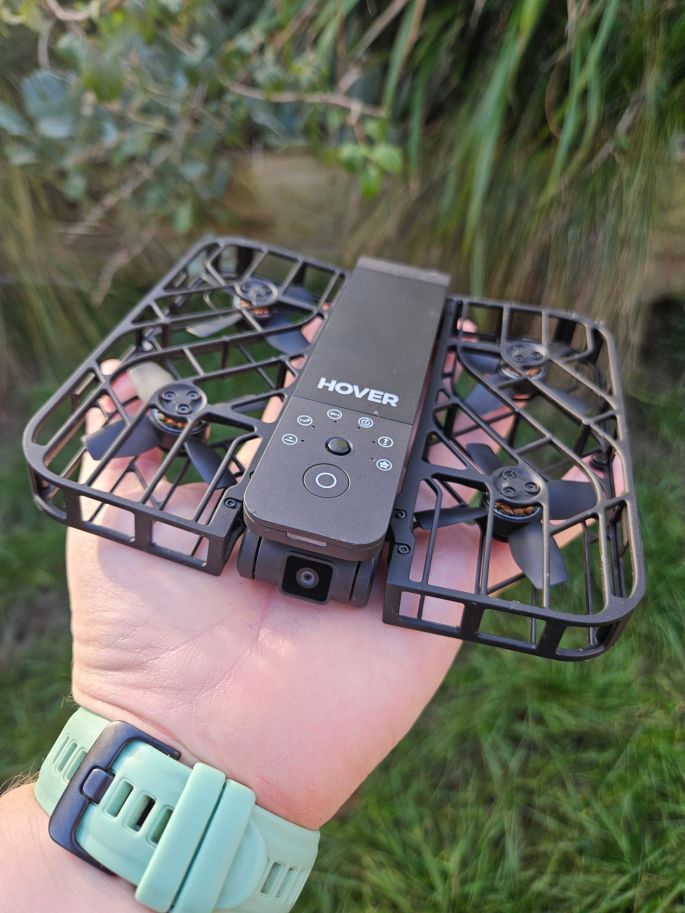
So first, some basic specs pulled from HoverAir’s website. This drone weighs an impressively light 125g and shoots using a 2.7K ultra HD camera mounted on a swivel. It has a maximum flight height of 15m above the ground, and onboard storage is 32GB. It operates using the two buttons on the top; one for power and to activate the 3 second palm launch, and one to cycle through the range of pre-set flight patterns that are offered. These include follow, orbital, hover, snapshot, and pan out, plus other more customised options that can track you from in-front or the side. It only tracks people, not animals or vehicles, but it has manual controls via the app. The app also lets you record audio and customise the flight patterns by altering height, distance etc. You can land the drone using the app, but it will land automatically when close enough to any flat surface which includes your hand.

The Positives

The biggest plus for me is just how user-friendly and intuitive this drone is to use. I knew that being as clumsy as I am, I would be likely to crash and break a drone, so I needed something that would be fairly foolproof. You don’t need to spend time setting a return “home” point, and it literally launches at the touch of a button. Just hold your hand under it, and it will land. The app also acts as a guide, keeping more complex flight patterns such as dolly-track locked out until you’ve completed a number of simpler flights. The cage around the fans also gives the drone a bit of protection if you end up crashing into a tree (more on that later!).

The picture quality is another highlight. I was worried when I saw some reviews reporting poor quality footage, but this hasn’t been my experience. I’ve genuinely been impressed that such a small drone is capable of capturing such great videos! Landscape shots and cropped footage do look poorer in quality, but the camera does a great job when tracking.

Another benefit for hiking is how portable the drone is. It fits comfortably in my pockets, and thru-hikers counting every gram of weight will appreciate this compact and lightweight piece of kit.

The Negatives

Whoa, we’re on the negatives already? Yes, but only because it is really hard to review the HoverAir without comparing it to other drones.

If you want a drone that can capture big panoramic shots from way up in the sky, this won’t be the one for you. It does have manual controls via the app but these can be janky, and with a maximum height of 15m it will limit what you’re able to film. The price tag might put people off, as it typically retails around £350 and there are other drones on the market which can cost less than this. Keep an eye out for sales and offers, especially if you want that warranty, as I have seen it for less.

One feature that you might expect is collision detection; unfortunately this drone does not have it. You do have to be careful where you’re flying it and how fast you’re moving, as if there are any problems the drone will just land itself. This is a nice feature as it stop flying if wind speed is too high, but if it decides that there is a problem or it loses you while flying over water it will just land itself right there. Water and drones don’t mix.

This photo is from when the drone ended up in a tree (in the name of testing, of course!). It managed to free itself before I could rescue it, and then shot off in the opposite direction! It did return back before it landed itself, but it’s a good example of why it is important to be mindful of your surroundings when you fly.

The biggest negative in my opinion is the battery life. A full charge will apparently give you 11 minutes continuous flying, or 20 flight patterns, and my testing reflects these figures. Although I’ve never run out while hiking, the battery is smaller than other similar drones, and might put off thru-hikers or content creators who may need to take a lot of footage. You can purchase spare batteries and a battery charging station for around £40 each, but this will take that price tag even higher.

Content creation

I wanted to touch on a couple of features specific for content creators as the HoverAir seems to be really compatible for capturing content for social media.

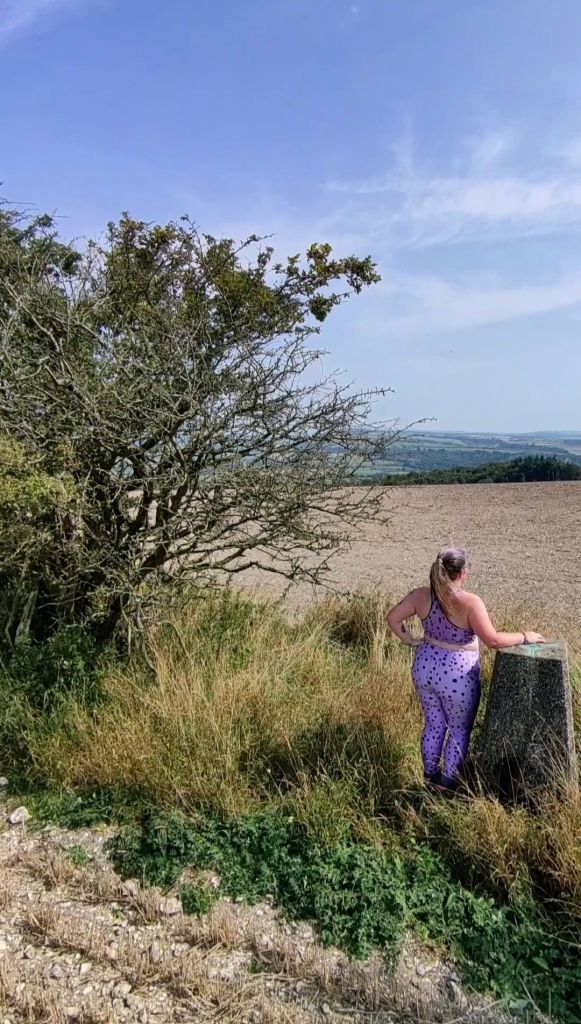
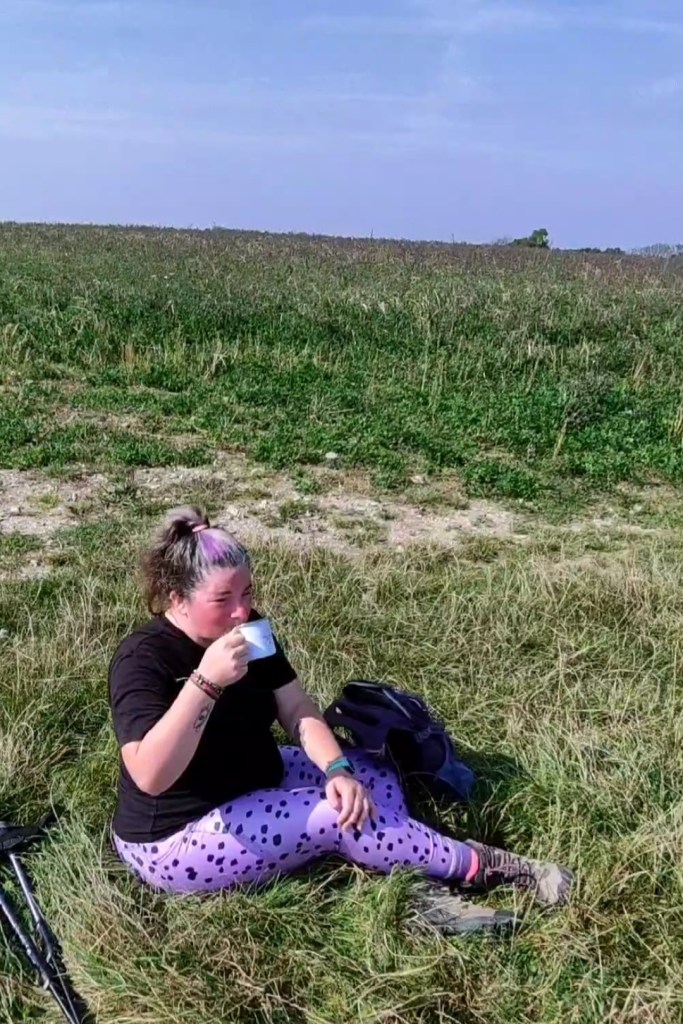
Vertical shooting mode is now my favourite, and you can use this on every flight pattern. The only problem I’ve come across is making sure that you’re centred; this image is from a pan-out where the angle wasn’t quite right and so I wasn’t in the centre of the image. This has only happened once so far, and you can preview footage on the app to check what you’ve filmed.

The HoverAir isn’t able to record audio, and if you want to add a voice over you will have to record to the app. It was pretty good at blocking out background noise and the sound of the drone’s fans (I tested it in moderate wind by a busy road), however as my phone automatically locks itself if it’s inactive, the mic got cut halfway through my rambling. If you like to include voice-overs it might be worth using a microphone or adding audio during editing to ensure you have the best quality, but as a fun feature I thought it was pretty good (as long as my phone didn’t lock!).

Things to consider

Despite weighing less than 250g, you do still need a license to fly this drone in the UK because it has a camera. It’s well worth checking the legal requirements in your local area before you fly!

Hikers who take a four-legged companion might want to consider if their dog needs training around the drone before you take them both into the wild together. I tested the HoverAir with 2 dogs, one who was completely uninterested and one who showed a lot of interest before getting bored. I can imagine some dogs being afraid of the noise, and a very interested dog might be able to jump and snatch it out of the air as it typically hovers at 1-2m for optimal tracking.

Final Thoughts

This is not like other drones, so I feel it’s unfair to compare it. If you want a drone that has basic tracking ability AND can get the landscape shots then this probably isn’t the right one for you. However, if you want a fun drone that has a range of tracking options, I would definitely recommend the HoverAir. I love this unit, and it’s biggest selling point is how easy it is to use. If I can use it, anyone can!